Tweaking and tinkering with Paper
Jun 19, 2026
It's been a while since I've added anything new here. This was a semi-conscious decision. My wife and I went on a long trip, the majority of which to China. We knew in advance that nothing would really work in China, from Google Maps through to Claude. So it felt like a good chance to step away for a bit.
The other honest admission is that for a while, not a lot changed in terms of the tools I use or the way I build things. I tried Fable 5 and found it was really good at some stuff, and not noticeably different in others. The main thing I want to change is a product of accumulation. Going local first has given me quite a lot of files and my 'system' is starting to break. In the background I'm exploring how a memory concept could work, but it's very much a work in progress which I'll share once I've seen if it works or fails miserably.
In the meantime, I have found a nice happy middle ground for shaping web pages and app functionality that I think is worth shouting about. When I wrote about diagramming with AI, I dug a rabbit hole about working collaboratively with Claude et al. Though that piece was more about thinking, the same extends to shipping stuff that requires a surface - like an app, a webpage or full site. In other words, design.
The death of Figma and the workflow it represents is a hot topic. Stitch will one-shot you a design system, Claude design will make you a pretty HTML presentation. Lovable or a lookalike will spin you up an app prototype plenty fast. Whilst I've used all of these in combination, I still miss being able to look at screens on a canvas and tweak here and there.
Figma now has an MCP, but their pricing makes it somewhat useless if you're not on a paid seat (and even then it can be frustrating). I've found Paper to be a very strong replacement. It's AI-first in marketing speak. In practice, it's really good for collaborative work. For what it's worth, it also pay-gates its MCP usage with a weekly limit, but the free tier is generous. I've only maxed it out a handful of times, but it's shown me enough to persuade me that I'd pay if my need for it goes over the current threshold.
I use it as a place to experiment with color schemes, fonts, across this site and other resources I create. Having a design system I can eyeball and edit helps me to maintain visual consistency and become better at spotting when things have started to drift.
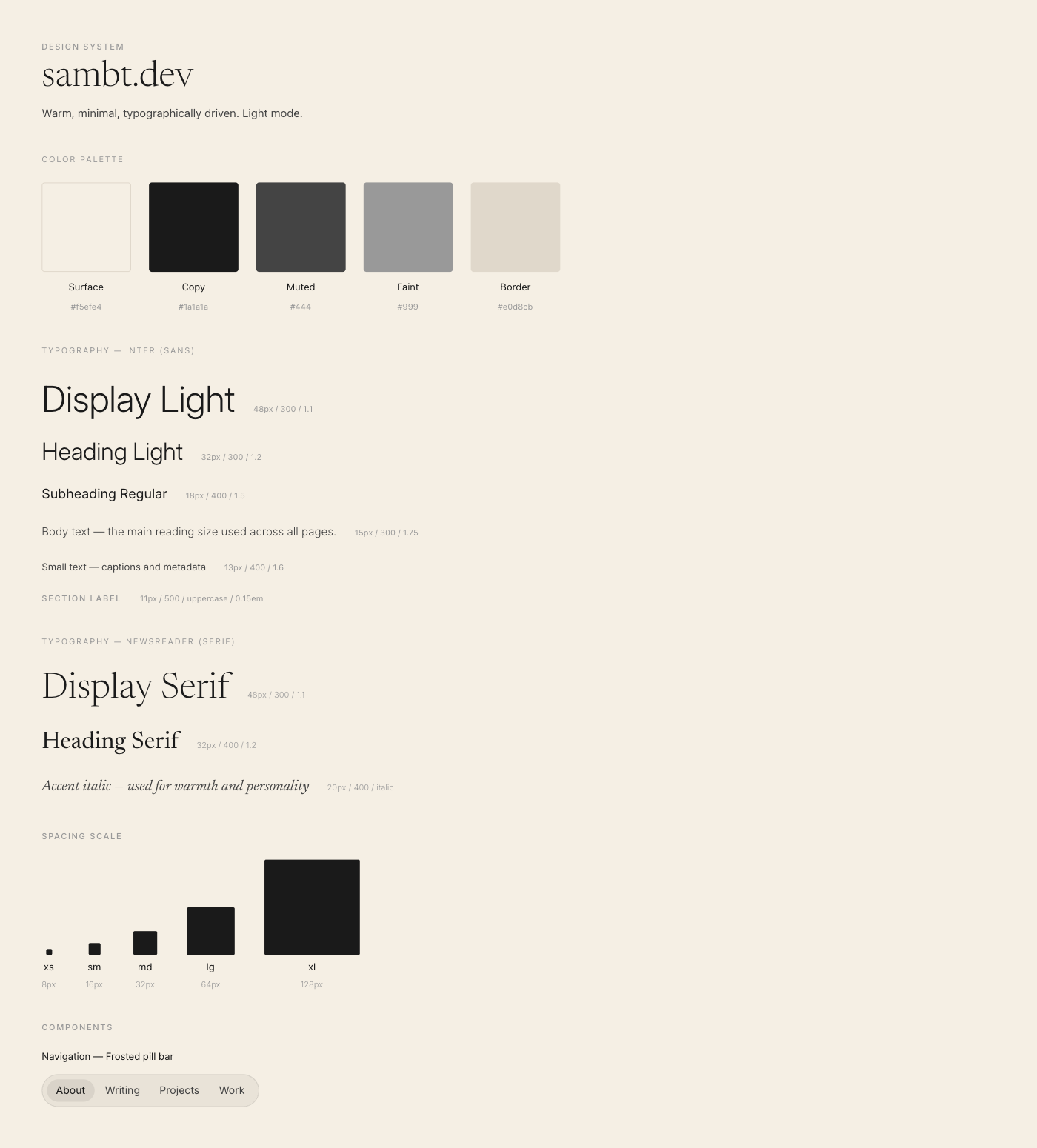
I've also found Paper to be particularly good at acting as Claude's 'hands' for visuals. I've never been good enough with Figma to create decent vector illustrations from scratch, and Claude tends to make less-than-perfect HTML creations when asked to do it without the intermediate layer. Claude + Paper, however, seems to be the magic combination.
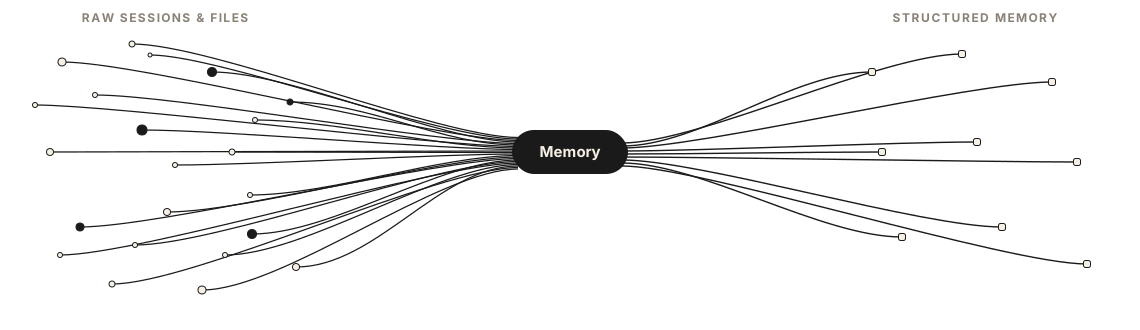
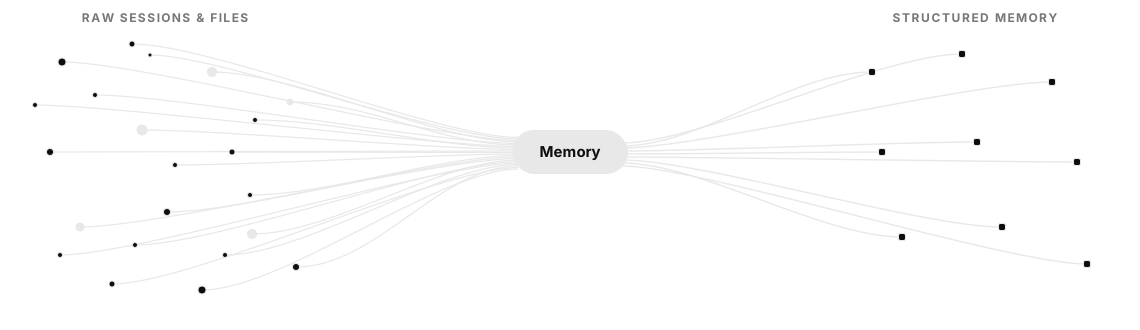
Recently I've also been spinning up quick demos that can be embedded in web pages, and Paper is where I like to begin. Gather a few info screenshots, outline key interaction steps and have Claude spin up a couple of screens. I tweak both in chat and on the page, and we work towards an end result. You're not one-shotting, you're iterating, without losing what's good along the way.
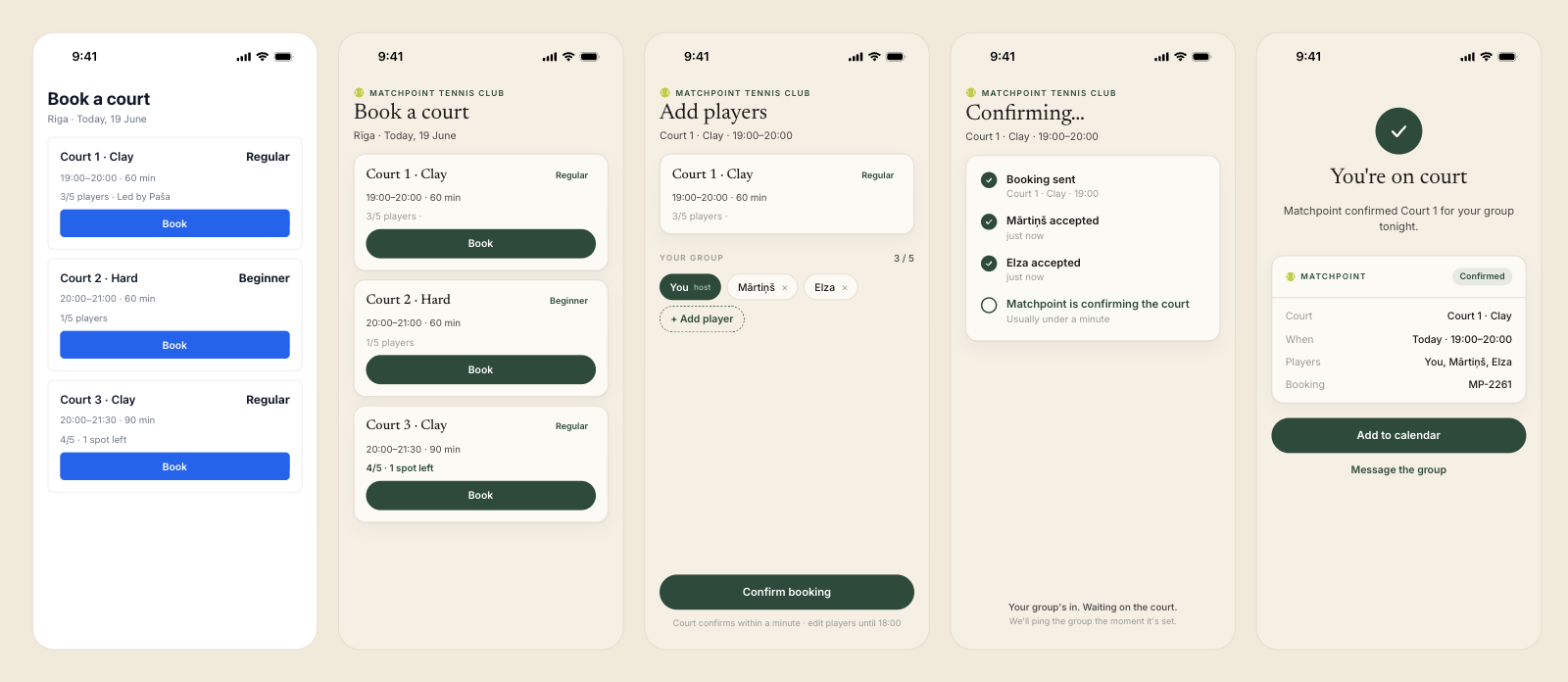
Here is an example of a booking flow to try out:
The working demo started life in Paper. I had Claude mock up a first screen, then we layered on the design and talked through the different screens, states and interactions before any of it became code.
It's worth trying Paper and their desktop MCP if you're like me. Not a designer, but not content to give AI the reins completely when it comes to design. At the risk of flogging the same horse as in the earlier article, this middle ground between prompt-only and purely human design is the sweet spot where things seem to click.
If you want to follow along, leave your email below. No spam, just new posts when they're ready.